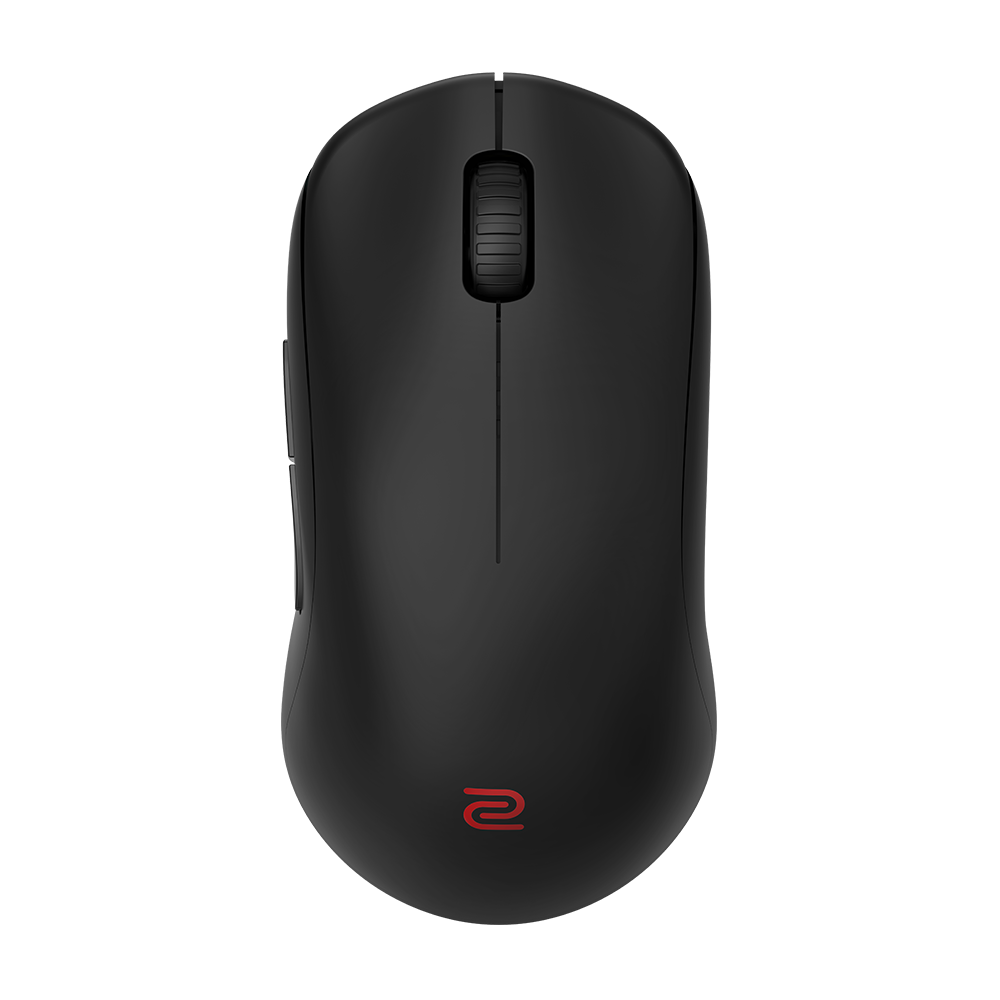
Is a Fingertip Grip Mouse Right for You?

  • 2025-10-09

Why is Grip Style Important in Choosing a Mouse?

Different grip styles can affect gamers' comfort, precision, and overall performance. The palm grip provides precision with more effort; the claw grip balances quick reactions with steady control, and the fingertip grip delivers speed and agility but less stability.

Understanding the Fingertip Grip

With the fingertip grip, the hand makes minimal contact with the mouse. This is considered the most extreme grip type of the three, with the palm lifted away or hovering above the surface of the mouse. Only the fingertips and thumb remain in contact with the mouse surface.

  • The tips of the index and middle fingers usually rest on the left and right buttons. Some users may extend their fingers straight and firm on the buttons, while others curl them slightly.
  • The thumb and ring or pinky fingers stabilize the sides of the mouse.
  • The hand is held slightly distanced from the mouse, often with the palm hovering over the mouse or resting on the desktop behind it.
  • Movement is primarily guided through the fingertips, which flex and extend to make small, rapid adjustments. 

This means the fingertip grip puts all the control in the digits, allowing for small, localized motions to control most cursor actions. When larger movements are necessary, the fingers can momentarily stiffen or lock, allowing the arm and wrist to take over for broader motions. 

Contacting the fingertip, the area below the pinky and the base of the thumb pinching the mouse.

Contacting most/all of the finger.

Ensure as much of your palm is in contact as possible.

Hold the back of the mouse in your palm without fully resting your palm on it.

How the Fingertip Grip Shapes Performance

With the fingertip grip, only the fingertips and thumb touch the mouse, keeping the palm elevated. Movement is controlled by the fingers for small adjustments and by the wrist and arm for larger shifts. Research shows this grip minimizes palm engagement.

Advantages:

1. Minimal Latency
 Fastest reaction: the shortest reaction time indicates minimal delay from target appearance to movement initiation.

2. Aiming Precision
Highest precision: the best precision values suggest fingertip control supports fine aiming.

3. Rapid Aiming
Shortest aiming time: optimal aim time indicates quick target alignment.

4. High Path Efficiency
Efficient movement path: minimum distances are short as palm grip, making operations direct and efficient.

Drawbacks:

1. Shaky Movements
Less stability: without palm support, movements may be prone to shaking or floating sensations.

2. Fatigue
Lower endurance: lack of palm support can make hand muscles fatigue more easily. 

Fingertip Grip Mouse Suitability

Mice suited for the fingertip grip are typically:

  • Are short, lightweight, and compact in size, making them easy to steer with just the tips of the fingers.
  • Feature a flattened back arch angle and profile, which accommodates the palm hovering over the surface.
  • May include tactile grips to enhance control, as users rely entirely on their fingertips for movement.
With the fingertip grip, only the fingertips and thumb touch the mouse, keeping the palm elevated and minimizing palm engagement. Movement is controlled by the fingers for small adjustments and the wrist and arm for larger shifts. Research indicates this grip offers advantages such as the fastest reaction time for minimal latency, the highest precision for fine aiming control, the shortest aiming time for rapid target alignment, and high path efficiency for direct and efficient operations.

Point to Remember

  • When it comes to selecting a gaming mouse, it's important to remember that many factors are at play. Because each player's grip style is unique, personal preference should always be the top priority. No single mouse can satisfy everyone's needs in terms of shape, size, weight, and other attributes, and that's exactly as it should be.
  • For more precise mouse recommendations, please refer to the ZOWIE Mouse Recommendation Tool  

Recommended Models

Was this helpful ?

Thanks for letting us know. How would you describe this FAQ?