ZOWIE by BenQはお客様のデータプライバシーを尊重しています。当社は、ウェブサイトをご利用の際に快適な体験をご提供するため、クッキーや類似の技術を使用しています。「すべてのCookiesを許可する」をクリックしてすべてのクッキーを許可するか、「必要なCookiesのみ許可する」を選択して必要最小限の技術のみを有効にすることができます。ここでいつでもクッキー設定をカスタマイズできます。詳しくは、Cookie Policyおよびプライバシーポリシーをご覧ください。
ZOWIE by BenQはお客様のデータプライバシーを尊重しています。当社は、ウェブサイトをご利用の際に快適な体験をご提供するため、クッキーや類似の技術を使用しています。「すべてのCookiesを許可する」をクリックしてすべてのクッキーを許可するか、「必要なCookiesのみ許可する」を選択して必要最小限の技術のみを有効にすることができます。ここでいつでもクッキー設定をカスタマイズできます。詳しくは、Cookie Policyおよびプライバシーポリシーをご覧ください。
以下の手順に従ってご確認ください。
① 4K エンハンスドレシーバーで接続している場合:
(詳細は下記の写真およびユーザーマニュアルをご参照ください)
a. 最適なパフォーマンスのため、マウスはレシーバーを中心とし、直線上に配置してください。
b. マウスはレシーバーから約 20cm 離し、左右 50度の角度で使用することを推奨します。
c. レシーバーは、無線ルーターなど干渉の可能性がある機器から最低 でも50cmは 離してください。


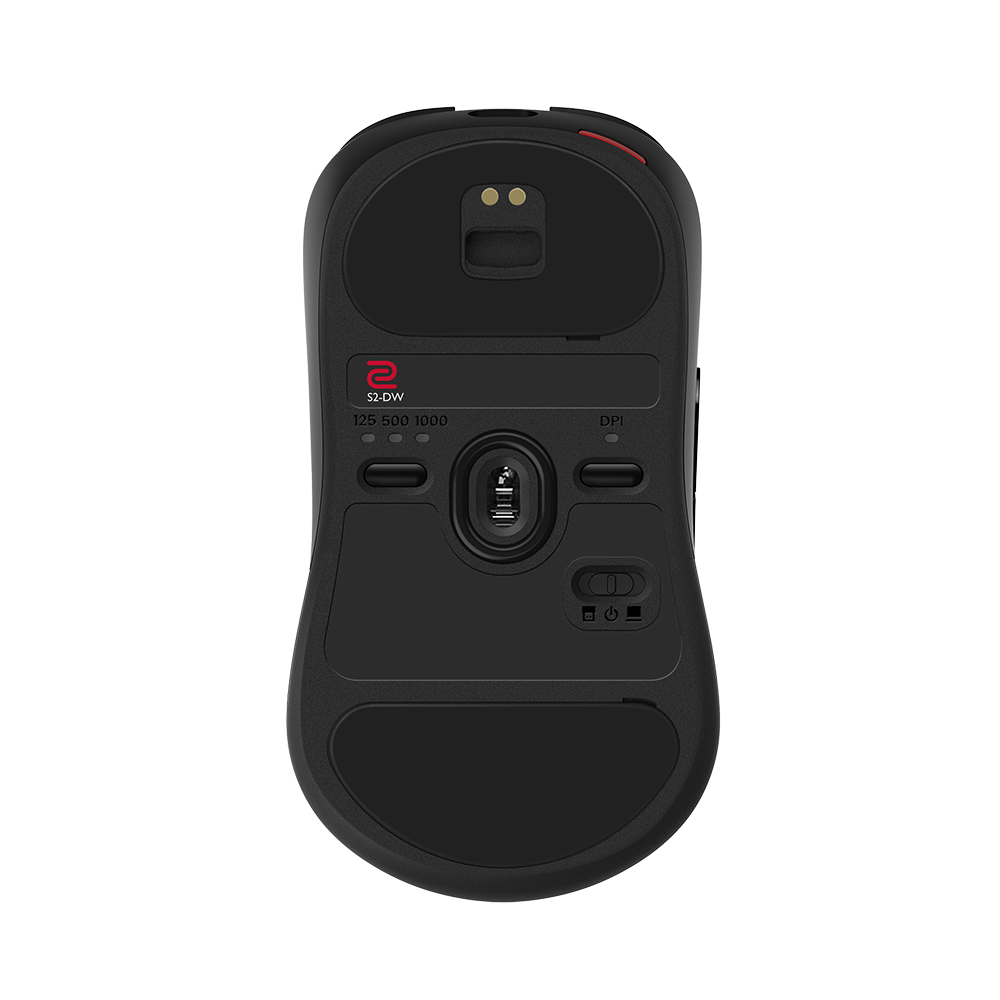
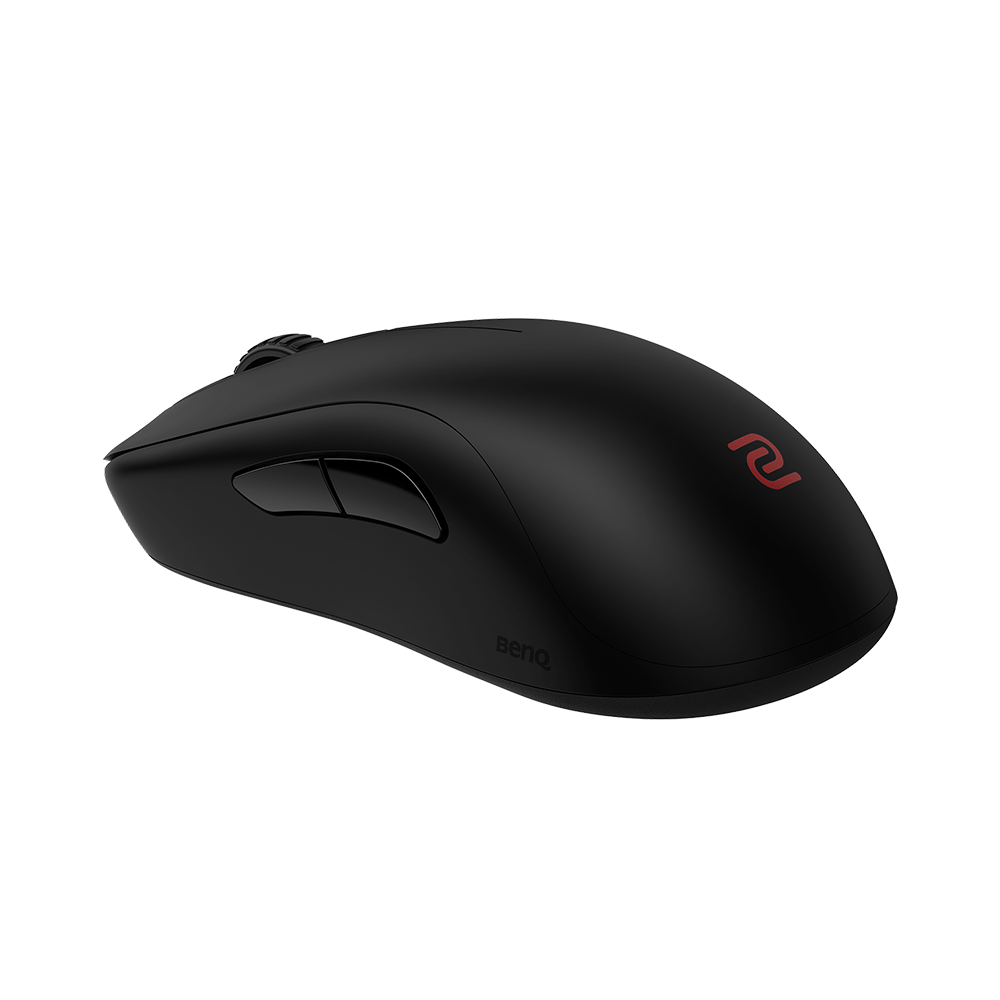
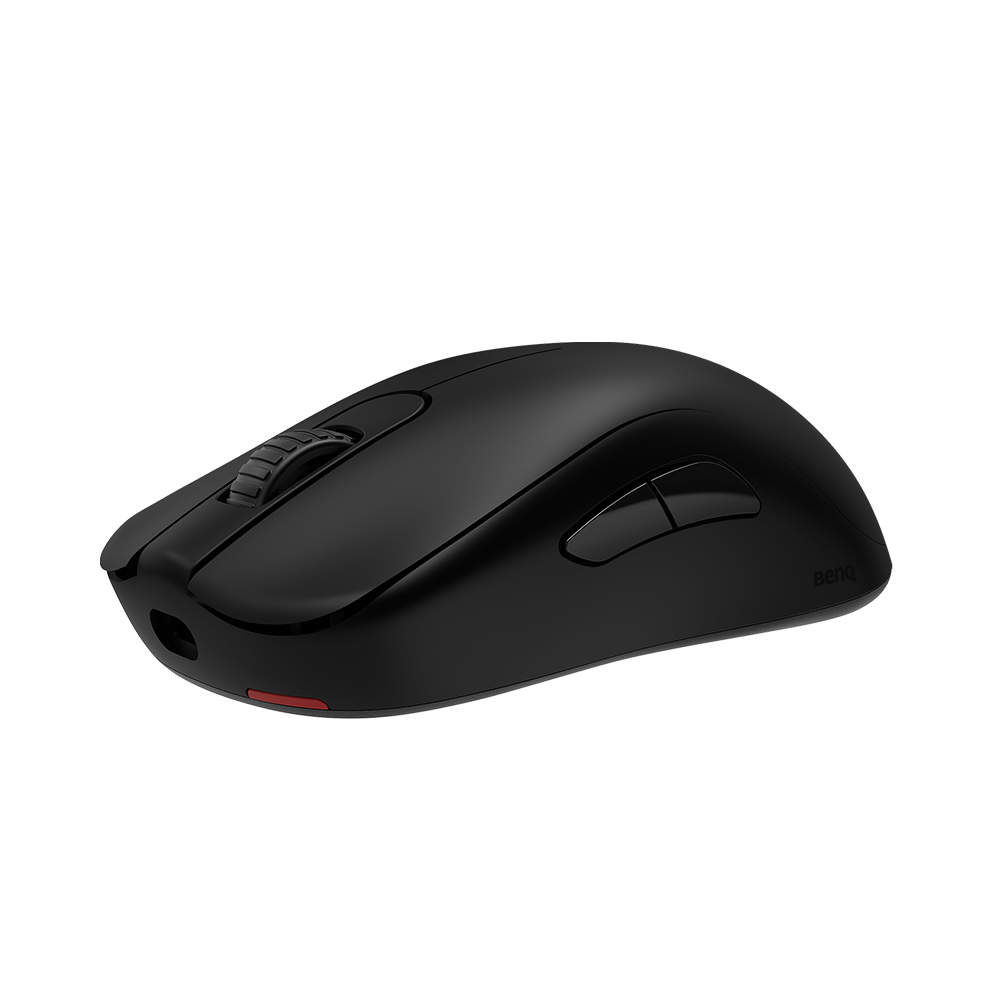
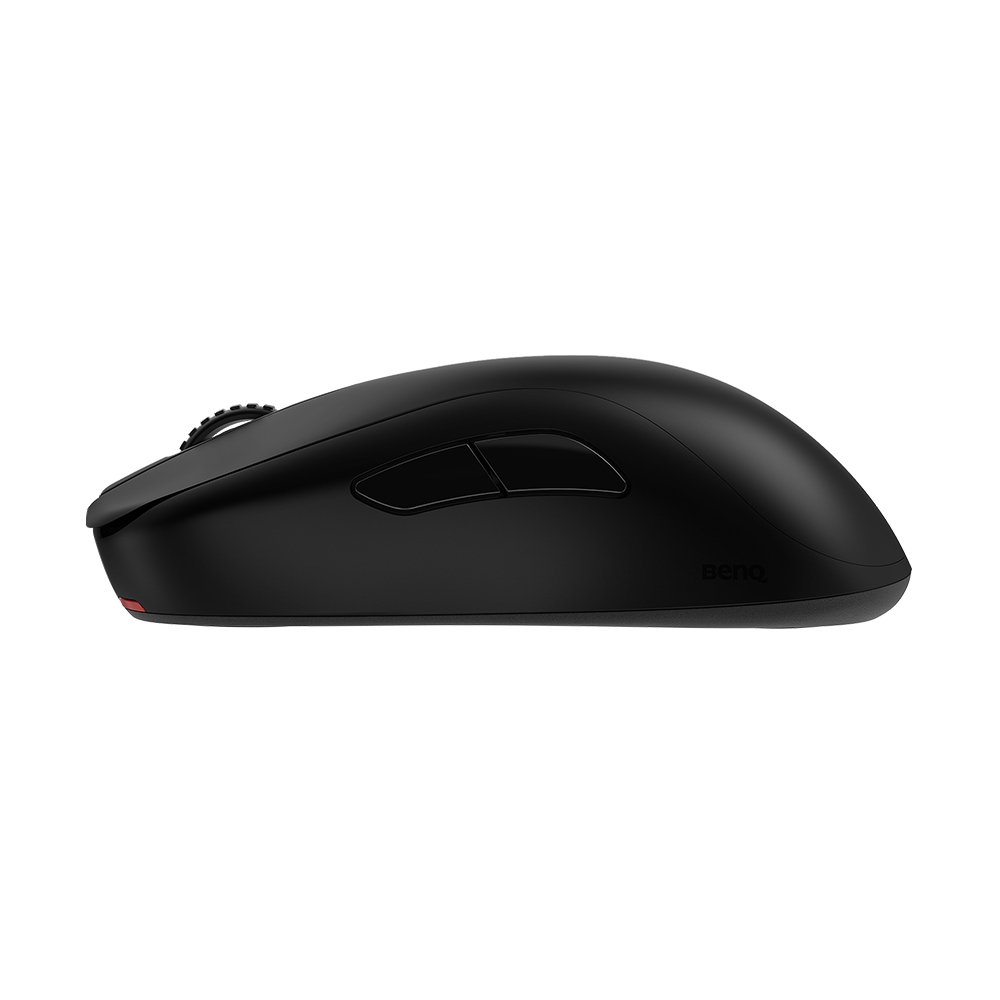
 または
または  モードに切り替えてください。または、マウスを充電してください。マウスの電源LEDインジケーターが点灯し、電池残量が表示されます。